

The right job at the right place
Choose a project, sub-project and workplace by search or on a map. Open turn-by-turn directions in your phone’s maps app.
Time tracking, projects, shifts and leave — simple for employees, clear for the business.
Interactive demo
Clock in and out, choose a project, follow your hours, check shifts, request leave and attach photos — from one phone. Optional location suggestions help you remember the right times. They stay on your phone until you approve them.
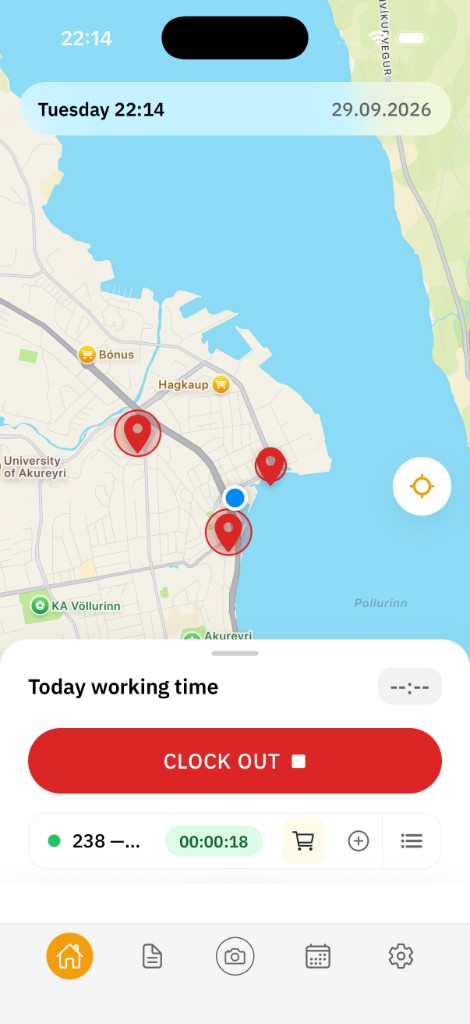
Employees clock in or out in seconds.
Straightforward time entry gives the business a clearer view of the workday.
Choose a project, sub-project and workplace by search or on a map. Open turn-by-turn directions in your phone’s maps app.
Log driving, products and quantities, or attach a photo to the project directly from the app.
The app can confirm a clock-in at the workplace. This verifies the clock-in — it is not all-day tracking.
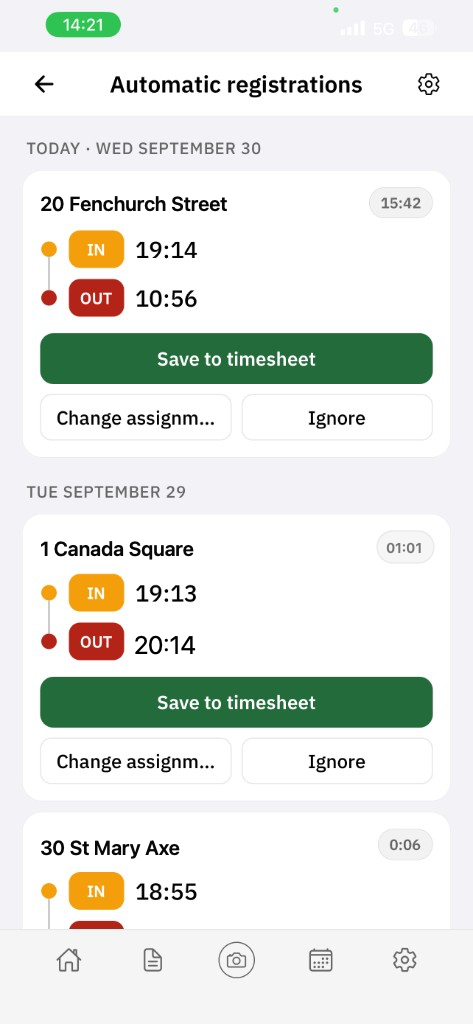
The app can notice when you enter or leave a defined work area, including when Curio Go is not open.
The suggestion stays on the phone until the employee edits, ignores or approves it.
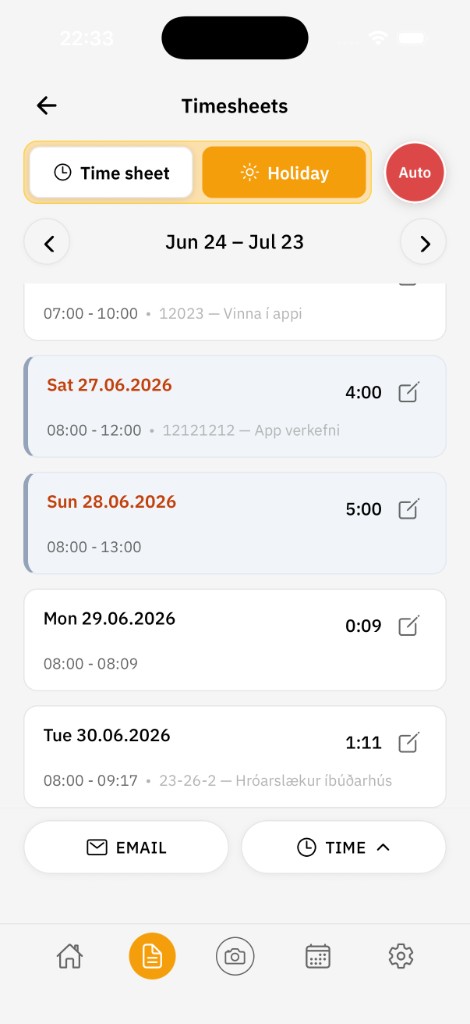
See each day’s total and how hours are classified under the company’s working rules. Curio Go does not calculate pay.
Email yourself a timesheet and correct your own entries when the employer has granted permission.
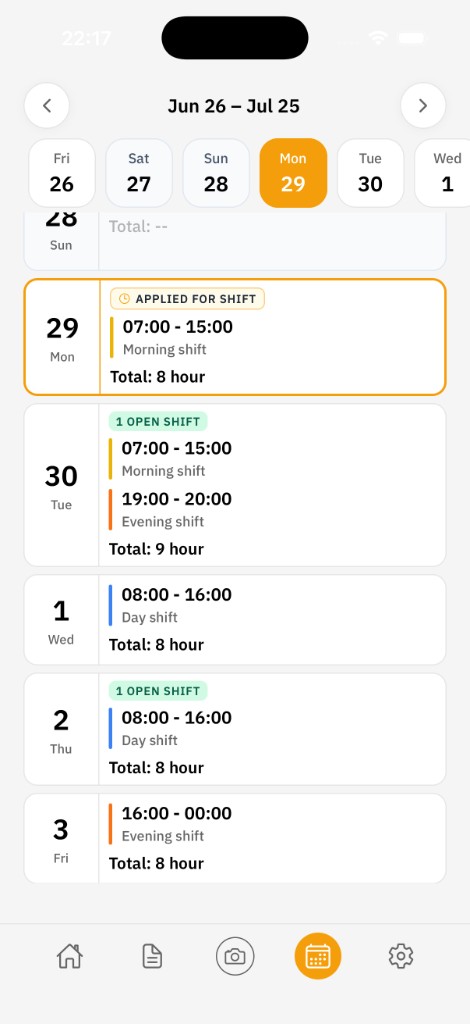
See shifts and projects, apply for an open shift, or request a shift swap.
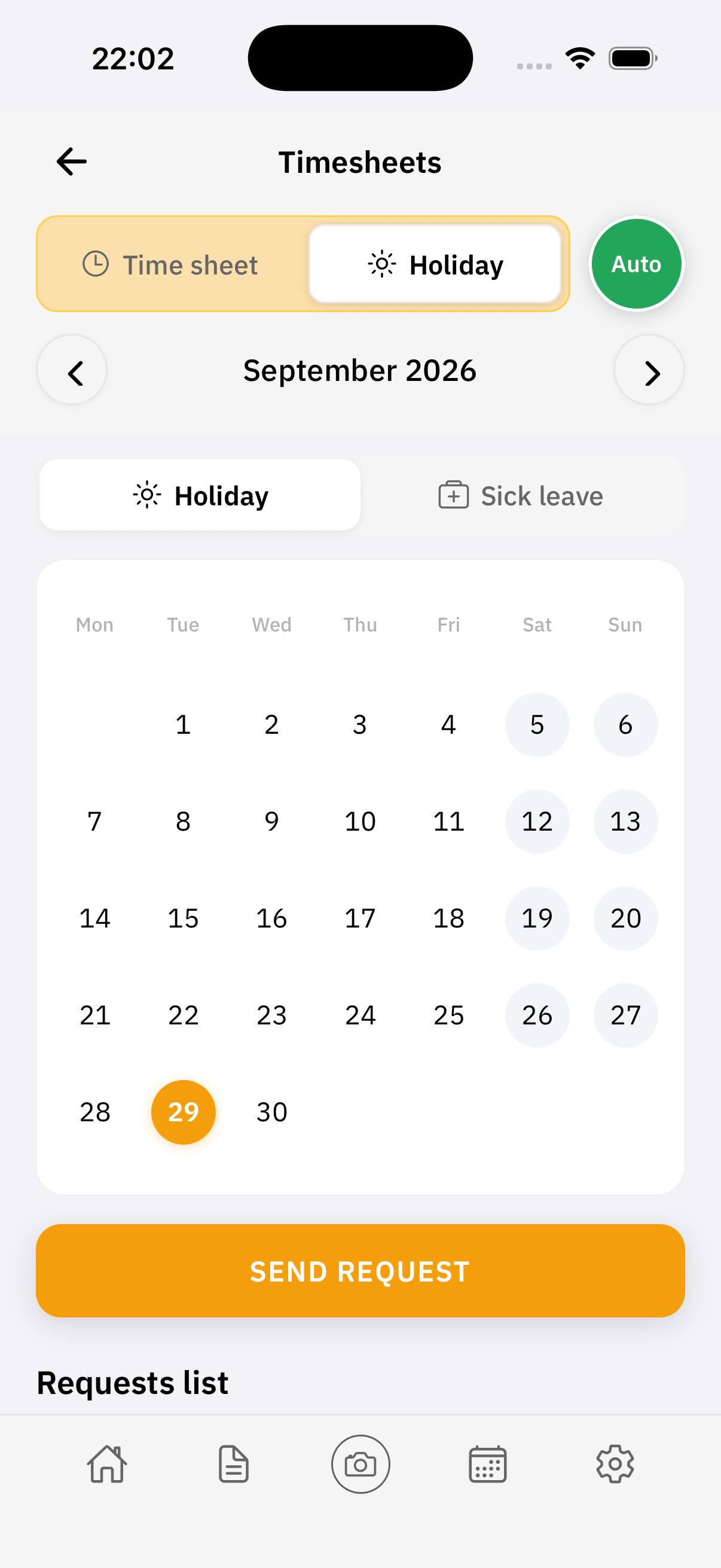
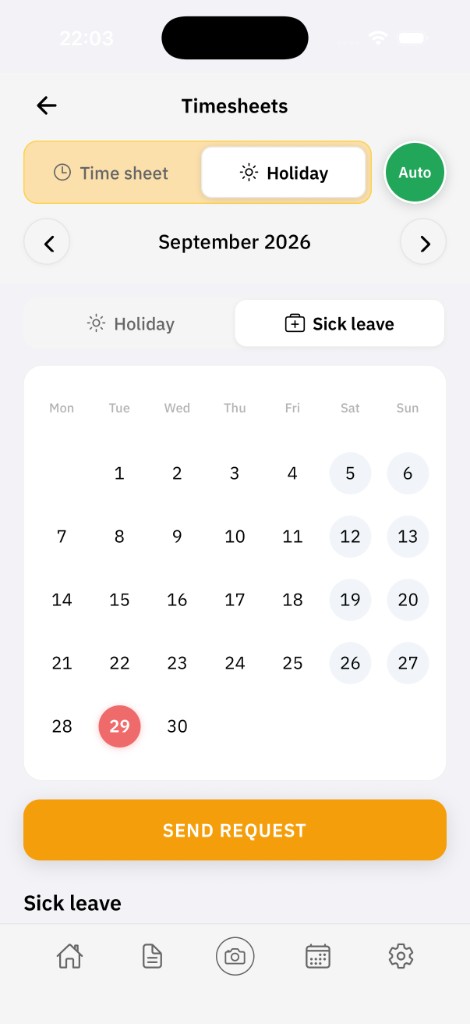
Check your leave balance, send a request or report sickness, and follow the response in the app.
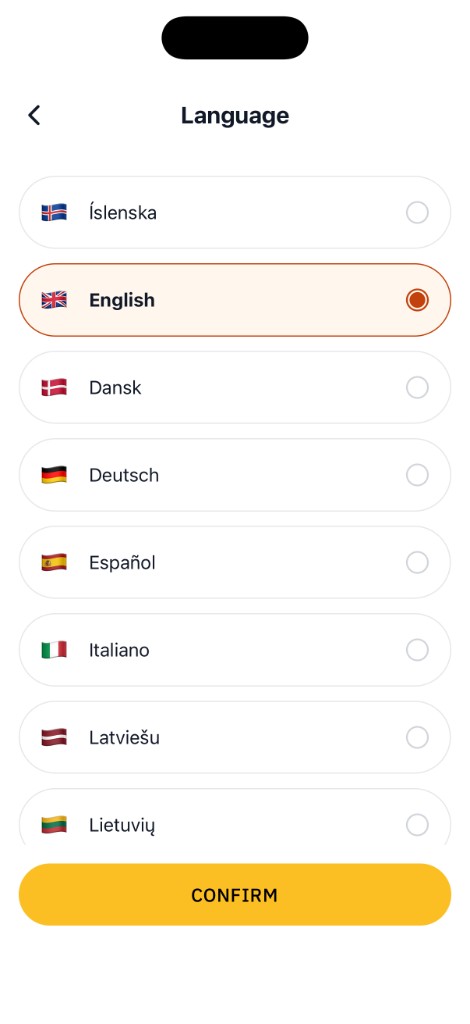
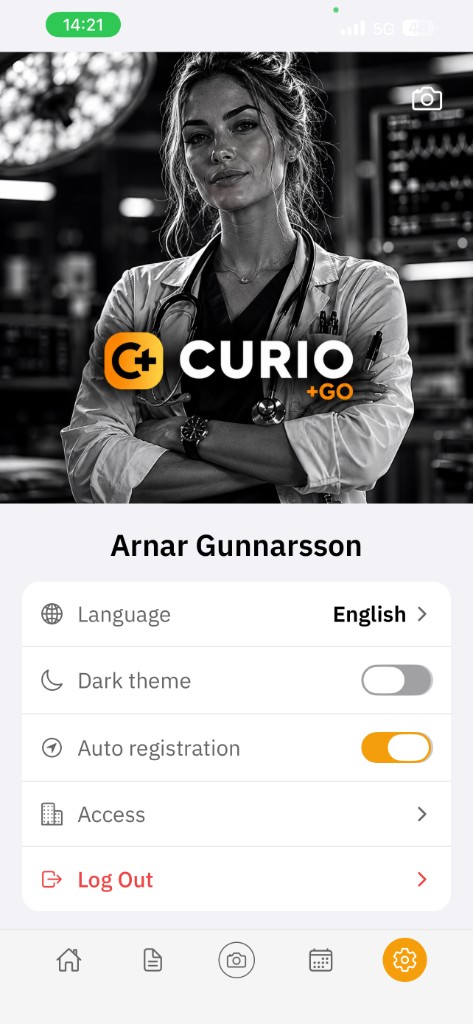
Choose your language and appearance, and receive notifications about shifts, swaps and request updates.
Free on the App Store for iPhone and on Google Play for Android. You need a Curio Time workplace account. Managers can start that with a 30-day trial.
Responding with AI