

Clock in with a PIN
Name, PIN, in or out. The hours belong to the person — not to the tablet.
Turn a shared tablet into a PIN time clock. Every clock-in joins the same workday as Curio Time Pro and Curio Go.
A shared PIN clock for the door. Staff clock in, check hours and send a request. You still run the week in Curio Time Pro.
Name, PIN, in or out. The hours belong to the person — not to the tablet.
A shared iPad or Android at the entrance, kitchen, warehouse or staff room.
People check their time where they already stand. No trip to the office hub.
Shifts and the work plan sit on the same screen as the punch.
Send leave or absence at the tablet. Managers still reply in Curio Time Pro.
Clock in at the door and out on the phone. One workday. One record.
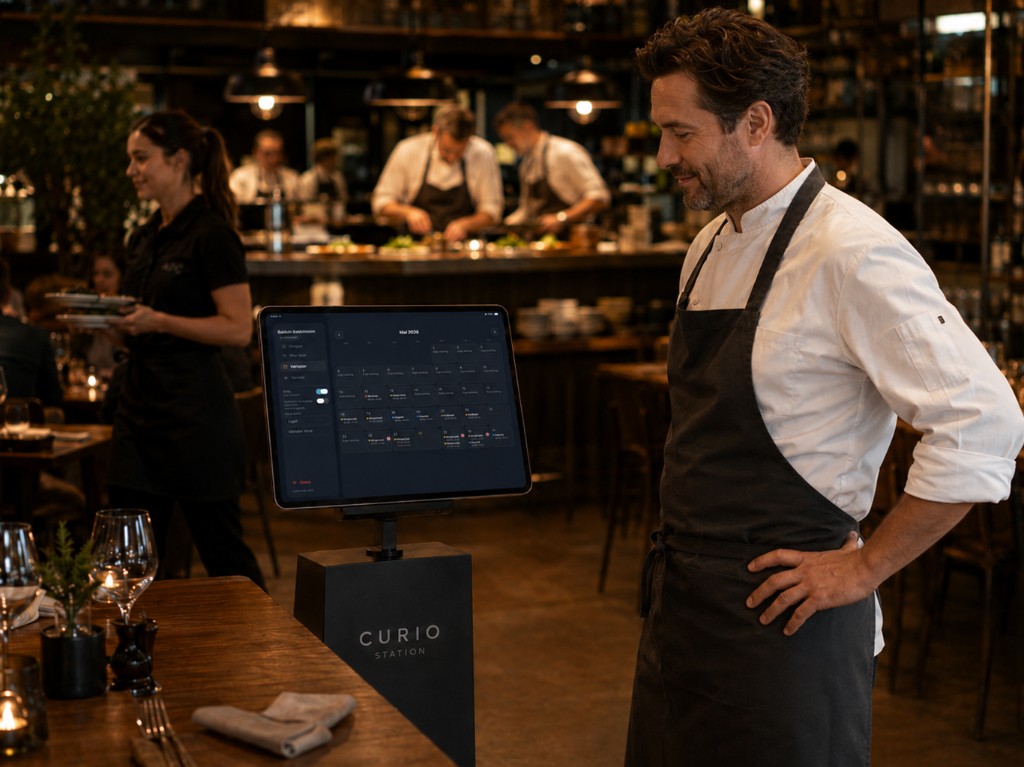
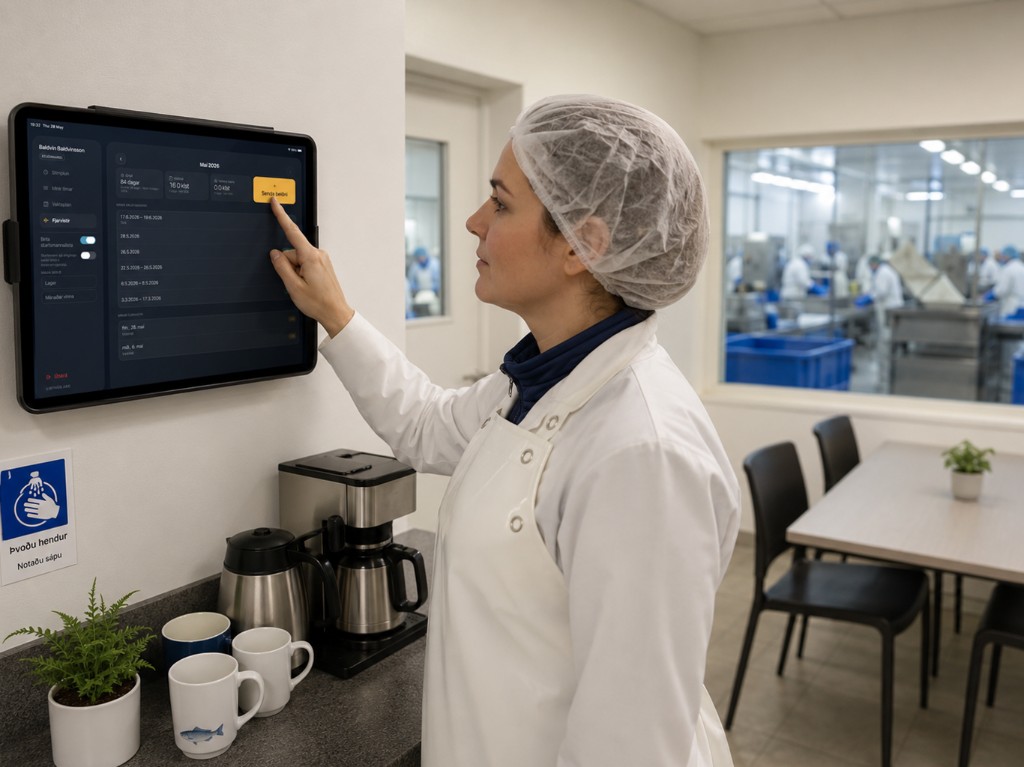
In Curio Time Pro you can turn off app sign-in so people clock in at Station with a PIN instead of Curio Go. That fits kitchens, warehouses, production floors and staff rooms — anywhere a personal phone is the wrong tool, or not allowed.
Every punch joins Curio Time Pro. Mixed devices stay optional: clock in at the door, out in Go, review in the hub. When app sign-in is off, Station is the clock.
People identify themselves with a PIN on a shared tablet. There is no personal password to remember, and no phone in a pocket.
Station records clock-in or clock-out. The hours belong to the person, not to the device.
When the punch or request is done, sign out so the tablet is ready for the next person on shift.
Check hours at the station without opening Curio Time Pro.
What you see at the tablet is the same workday managers review in Curio Time Pro.
See the work plan or shifts at the entrance, kitchen, warehouse or staff room.
Managers still build the week in Curio Time Pro. Station shows the plan. It does not replace the hub.
Send a leave or absence request at the tablet, then sign out.
Employers review requests in Curio Time Pro. Station is limited self-service, not the office.
Someone can clock in at Station and clock out later in Curio Go. It is still one workday.
In Curio Time Pro you can stop employees signing in with Curio Go. They then clock in at Station with a PIN.
A shared iPad or Android tablet, a network connection, and a PIN for each employee. Curio Station is free on the App Store for iPad and needs a Curio Time workplace account.
A punch can store location when the company enables that. It is a punch setting — not a live map of the team.
Free on the App Store for iPad and on Google Play for Android tablets. Managers start the workplace with a 30-day trial, then the tablet downloads the app.
Responding with AI