

Arrive on site
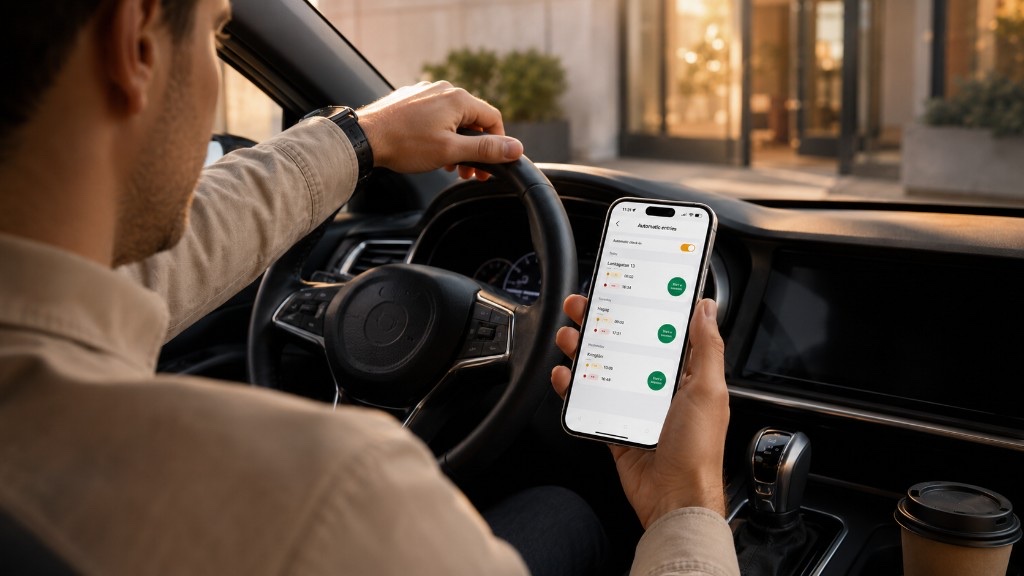
The phone detects the work zone when you pull in.
Set your radius and let Solo handle the recording
The phone detects the work zone when you pull in.
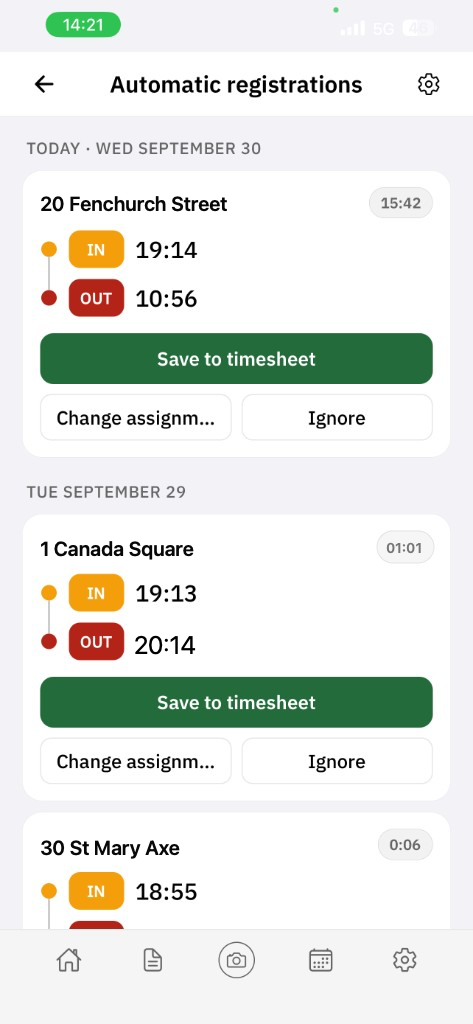
The app pairs arrival and departure automatically.
The entry stays on your phone until you approve it. Nothing reaches the timesheet without your say-so.
Month-end takes about 10 seconds. Send a finished PDF timesheet straight to payroll or the client.
| Feature | Free ($0) | Pro (subscription) |
|---|---|---|
| Active projects | Up to 3 | Unlimited |
| Locations on the map | Within those 3 projects | Up to 18 sites, 150–5,000 m radius |
| Auto in / out | Yes, on those 3 projects | Yes, on every saved site |
| PDF timesheet by email | No | Yes — straight to your accountant |
| Pay periods and rules | View only | Set the start date and keep the rules |
| Leave and sick days | Calendar view | Log, edit and track days off |
| Job-site photos | Saves to Google Drive | Saves to Curio servers |
| Manual clock-in and notes | Yes | Yes |
| Data after you cancel Pro | Kept | Kept |
Automatic workplace detection is available in the same Curio Solo app on iPhone and Android. Location permission is required. Subscription price is shown in the App Store and on Google Play.
Solo is a personal app. Nobody is watching where you are or when you arrive. No company login and no manager overview.
Stop trying to remember how long you were on site last Tuesday. The phone has it written down — to the minute — and waits for your review.
Icelandic, English, Polish, Ukrainian and 12 more, ready from day one.
Get Curio Solo and let time work for you — not the other way around.
Responding with AI